


Click here to activiate the soft token
Enter the Corporate ID
Enter the User ID
Click on Proceed
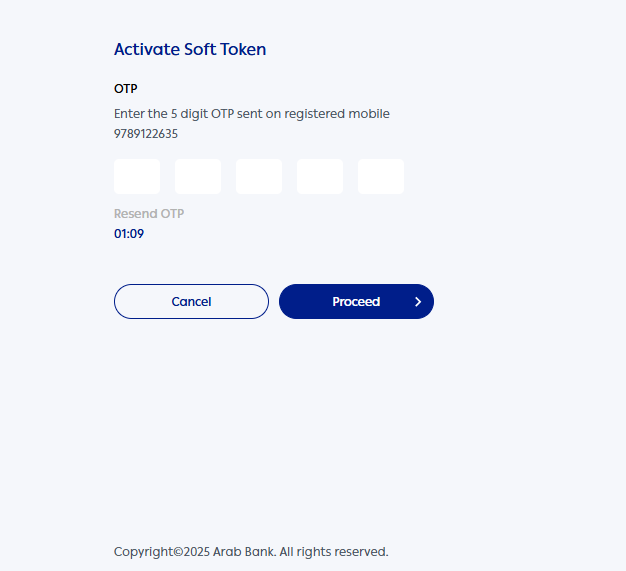
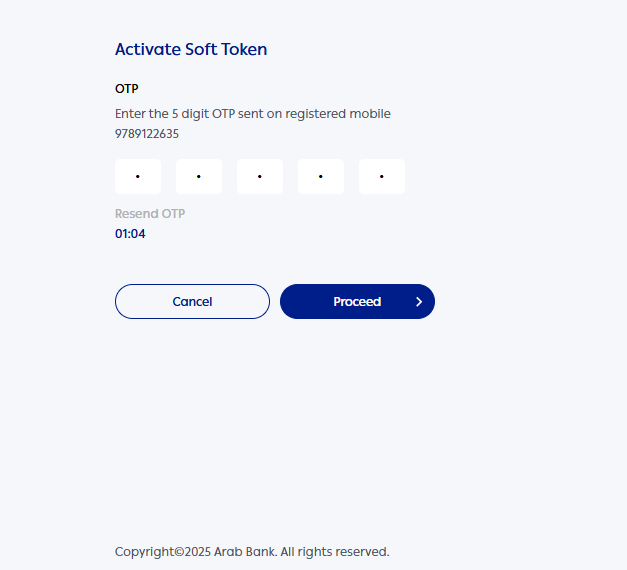
Enter the OTP sent to the registered mobile number
Click on Proceed
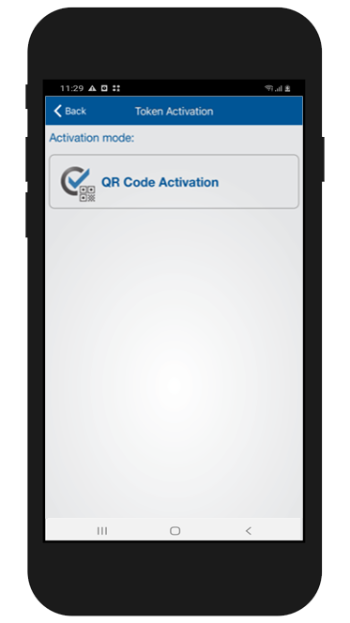
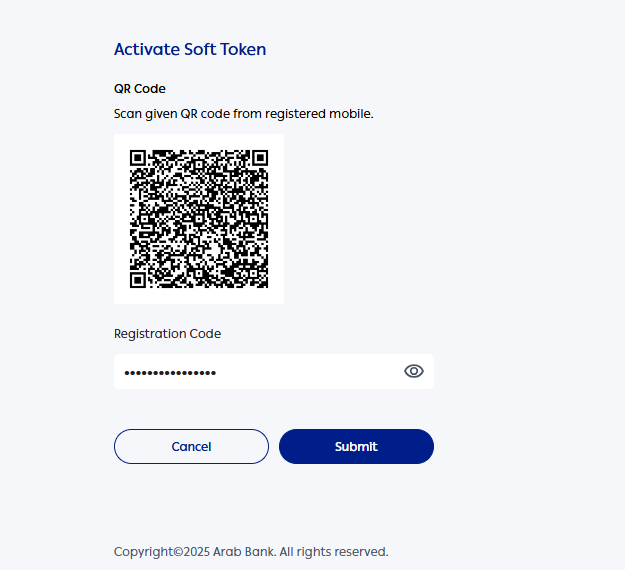
Tap on QR code Activation on the App and scan the QR code displayed on the screen
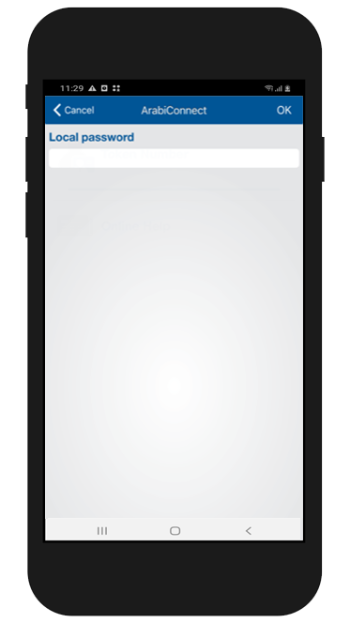
Create a new local password for the application
Enter the confirmation password
Click on OK
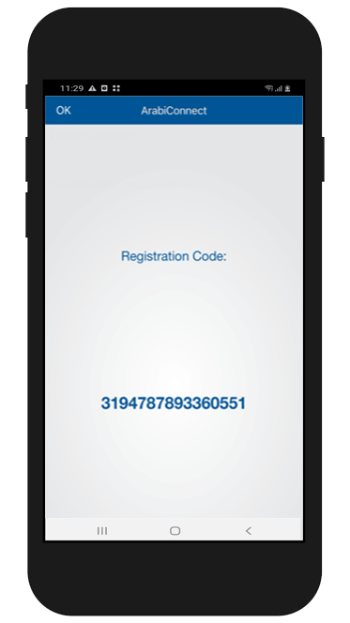
The Registration Code is generated on the ArabiConnect Token App
Enter the generated code here
Click on Submit
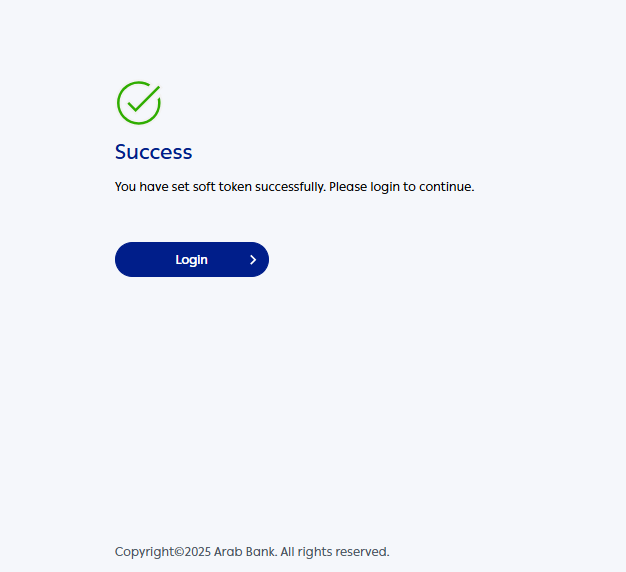
Displays the Soft Token Activation confirmation message
Click here to register the user for first time
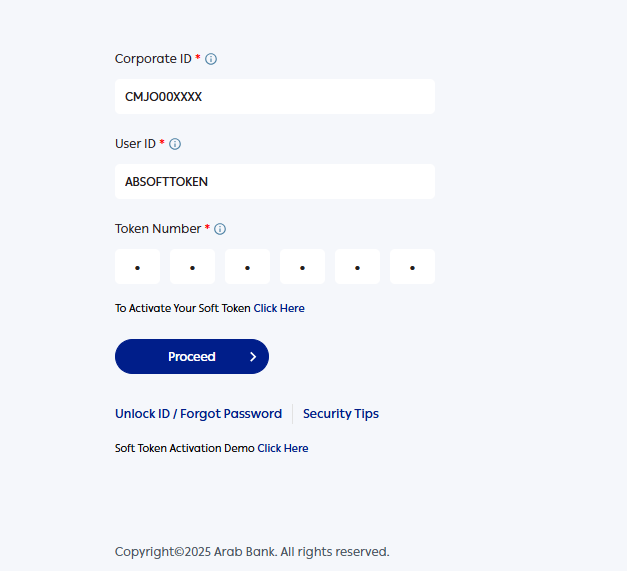
Enter the Corporate ID
Enter the User ID
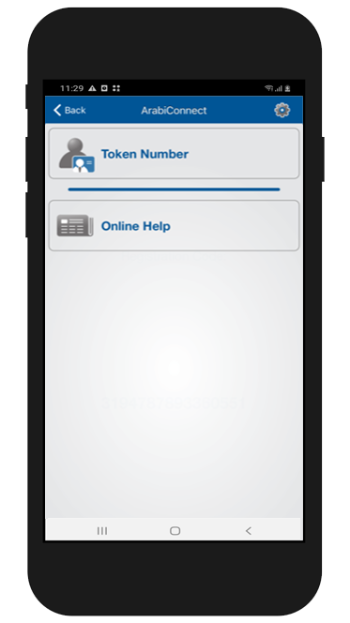
Click on Token Number
Enter the local password
Click on OK
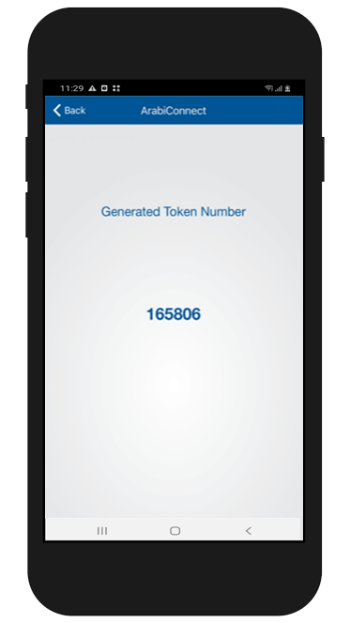
The new Token Number is generated
Enter the generated Token Number here
Click on Proceed
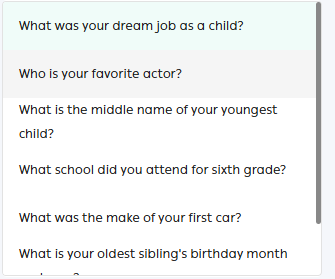
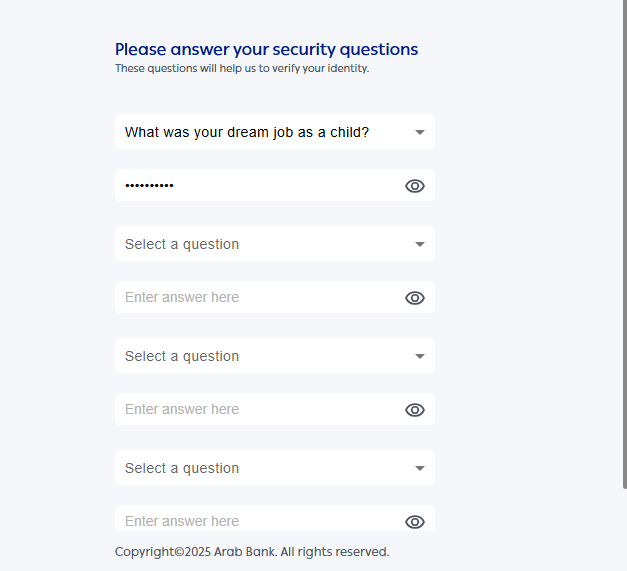
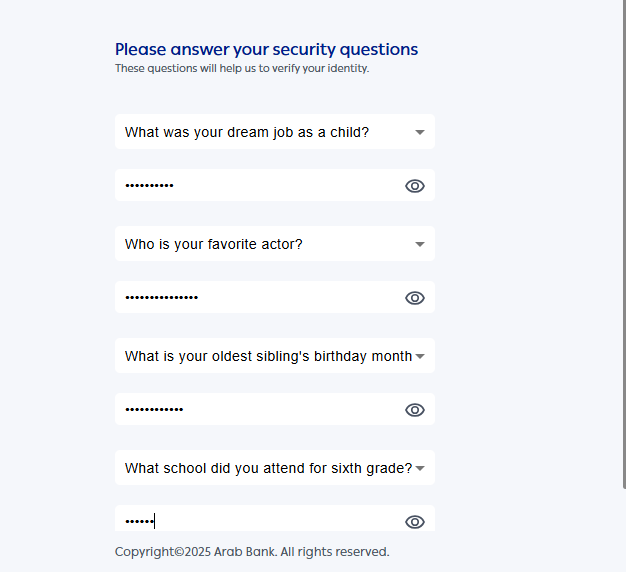
Select the security question from the drop down
Enter the Answer
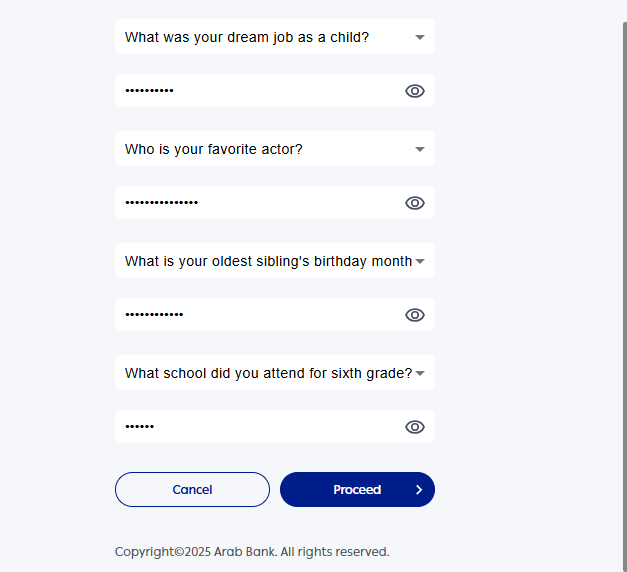
Select the subsequent questions and enter the answers
Click on Proceed
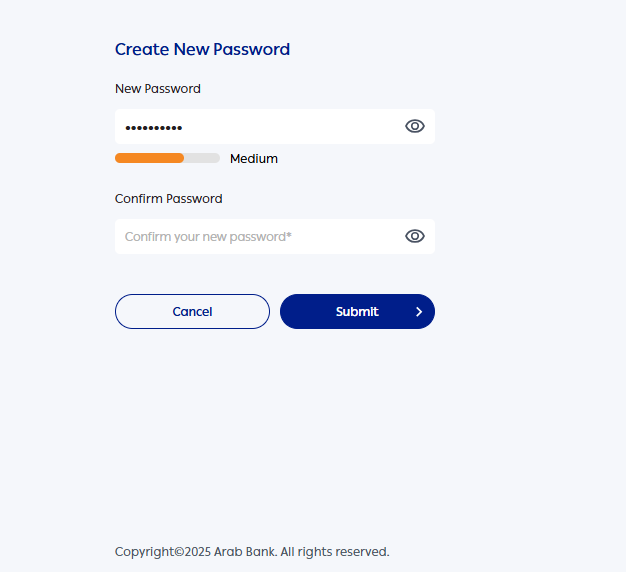
Create a new password for the application
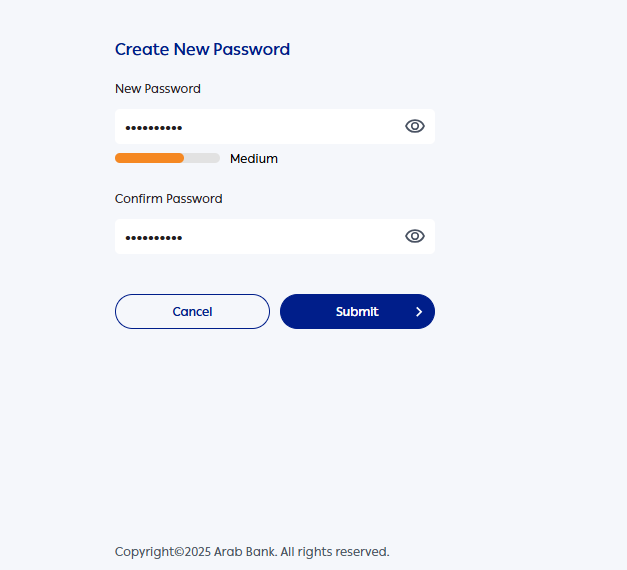
Enter the confirmation password
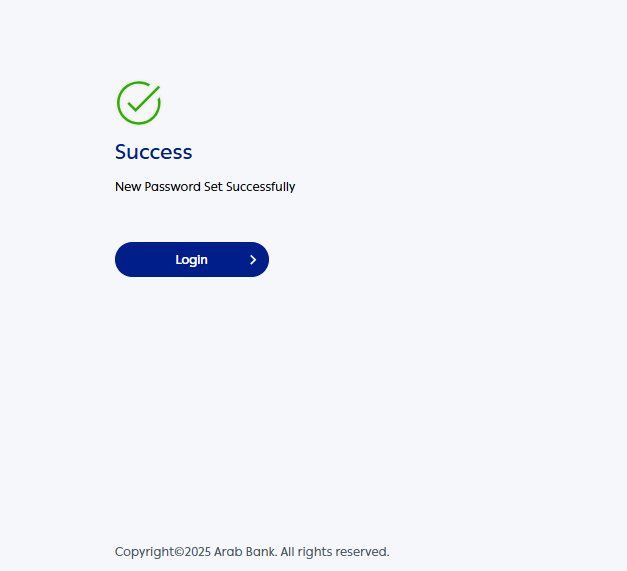
Click on Submit
The user is registered, Click here to Login
Enter the Password
Click on the checkbox to agree the terms and condition
Click on Login
You have successfully logged into the ArabiConnect application